If you already have an account, and you would like to add or remove any of the addons Smodin has to offer, here’s a step-by-step guide that teaches you how to do so.
The first step is to log in with your account, for that we go to https://smodin.dev/login
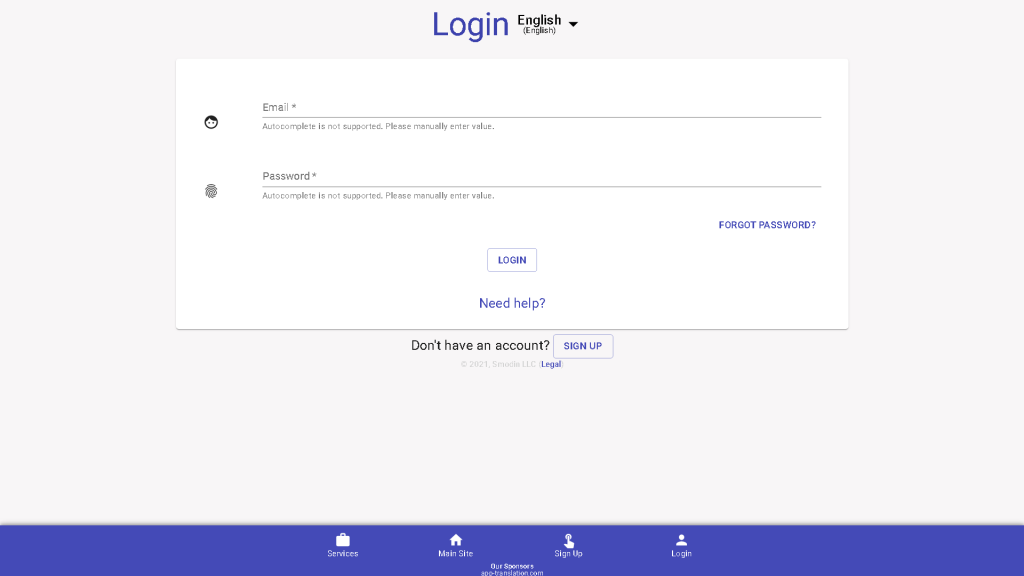
Once you’ve logged in, you will be automatically redirected to your account page

Click on “Manage Addons”
and this window will appear, from here, we remove or add the addons we want, and press “Checkout”.
In this case, we are going to remove the Multi-Lingual Translator.

We will be redirected to the next page, on the previous page we removed the multi-language translator, on this page we can also remove more applications. If we are satisfied with our choices, we click on “Proceed to Checkout”.
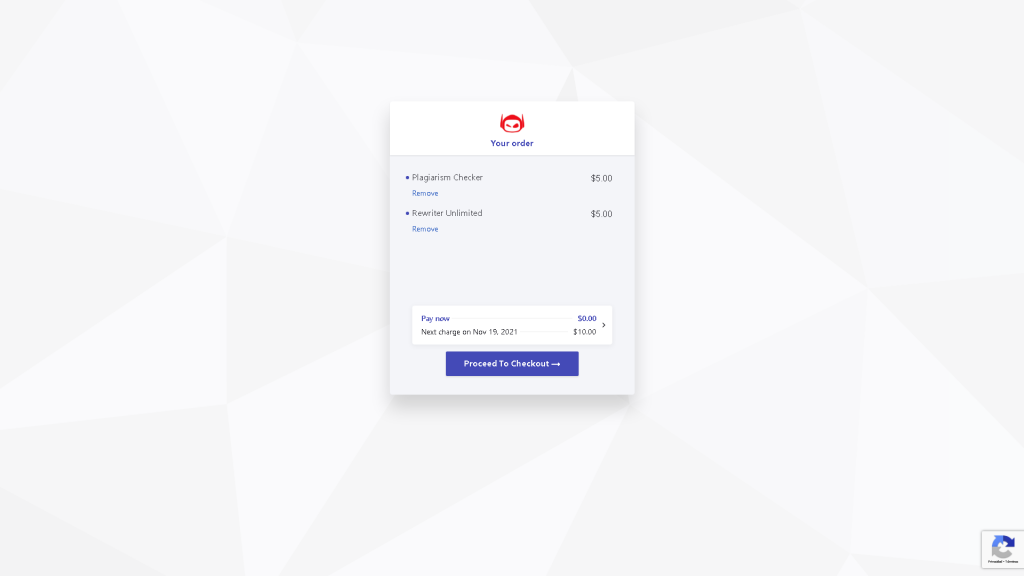
We confirm that everything is fine, we read and accept the terms and conditions, and press “Subscribe”.
We will be redirected to our account page, and as shown in the picture, we successfully removed the translator from our subscription.

If the translator is still within our 30 days of use, we can continue to use it. After those 30 days are over, we won’t be able to use it again, unless we resubscribe. Removing an addon doesn’t mean a refund, it just removes the automatic subscription to that specific addon.
If you have any doubts or issues don’t hesitate to contact Smodin support team at https://smodin.dev/contact
As a freelance writer, I sometimes use AI for drafts, but clients don't want to know that. Smodin helps me bypass detection while keeping the quality high. It’s made my workflow faster and easier.
Smodin’s bypass AI feature is a huge time-saver. Instead of manually editing AI-generated content, I just run it through Smodin, and the output is flawless. It’s made my content creation process so much smoother.
As a student, I’ve always been worried about AI detection software catching my work. Smodin made that fear go away. It rewrites content into something that looks entirely human. A must-have for essays and assignments.
 Free
AI Rewriter
Free
AI Rewriter
 AI
Plagiarism Checker
AI
Plagiarism Checker
 AI
Content Detection Remover
AI
Content Detection Remover